


Kikobot C1 · Desktop robotics
A 6-axis robotic arm.
Built for your desk.
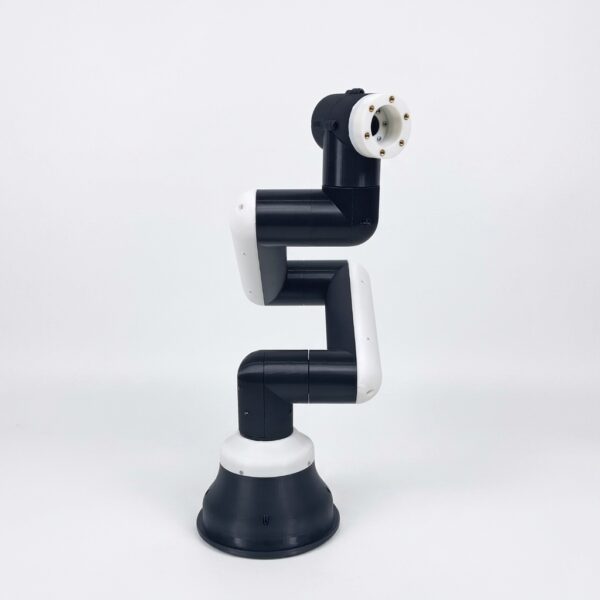
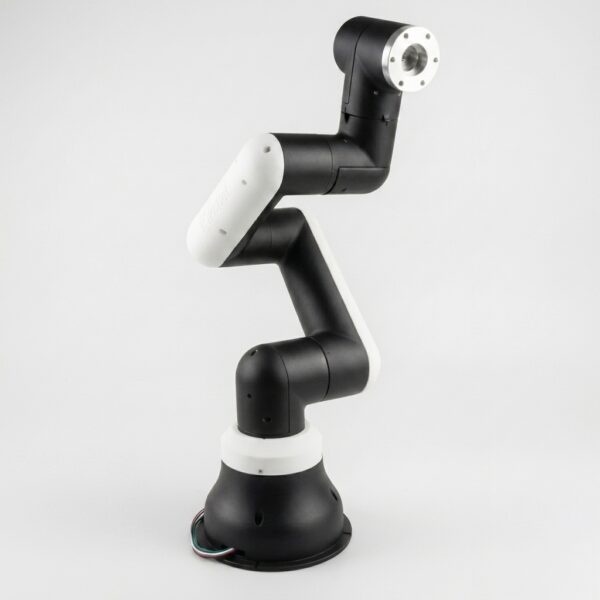
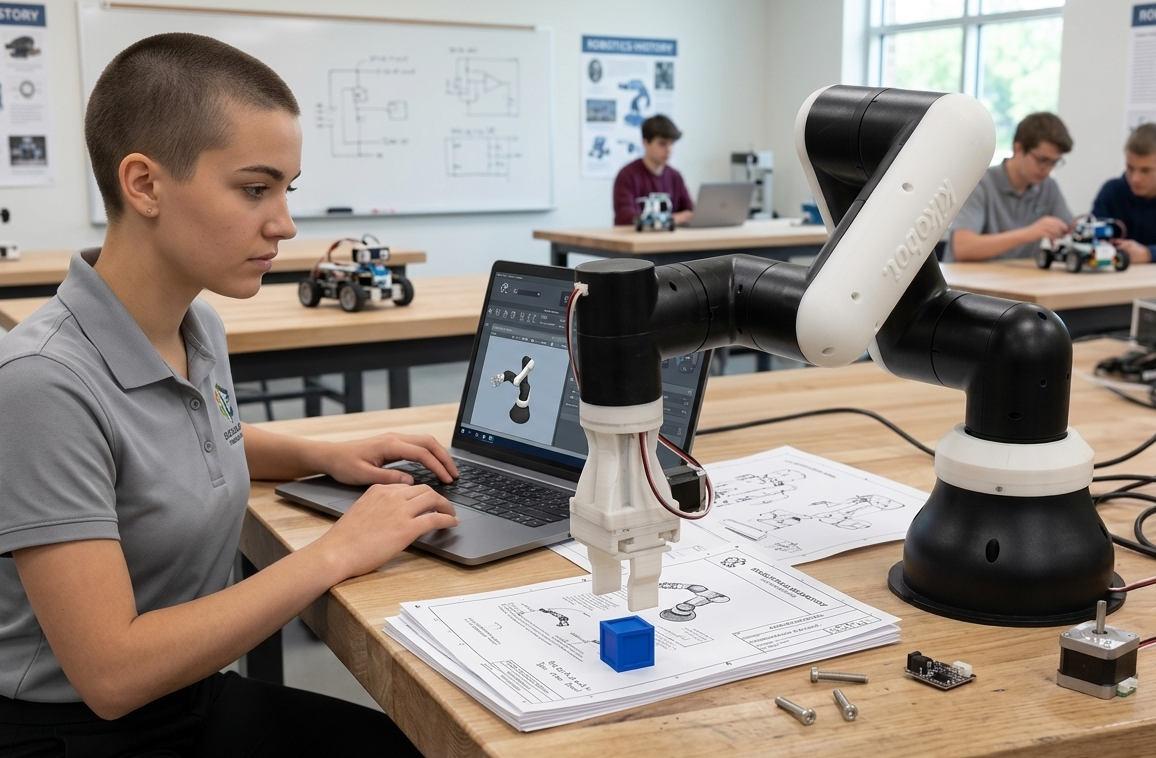
Meet the Kikobot C1: a programmable educational robotic arm for classrooms, research labs and desktop automation. Go from your first robot program to motion planning and vision experiments on one compact platform.
- 6 axes
- Degrees of freedom
- 330 mm
- Working radius
- ±1 mm
- Repeatability
- 250 g
- Maximum payload
- 3 kits
- Compute options
Built for hands-on work
Hands-on robotics.
From classroom to research.
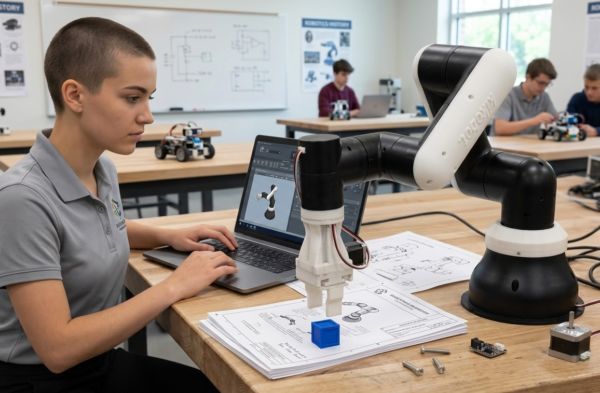
Bring programming, mechanics and control together in practical robotics projects.
A robot for your workbench
A compact six-axis arm for classroom desks, lab benches and desktop automation projects.
See, teach and program
Use C1 Studio for 3D visualization, hand teaching, motion planning and Blockly sequences.
Learning you can put to work
Explore robot kinematics, coordinate systems and object handling with a real programmable arm.
Build with ROS 2
Develop motion-planning and vision workflows using the software setup suited to your compute kit.
Change the task. Change the tool.
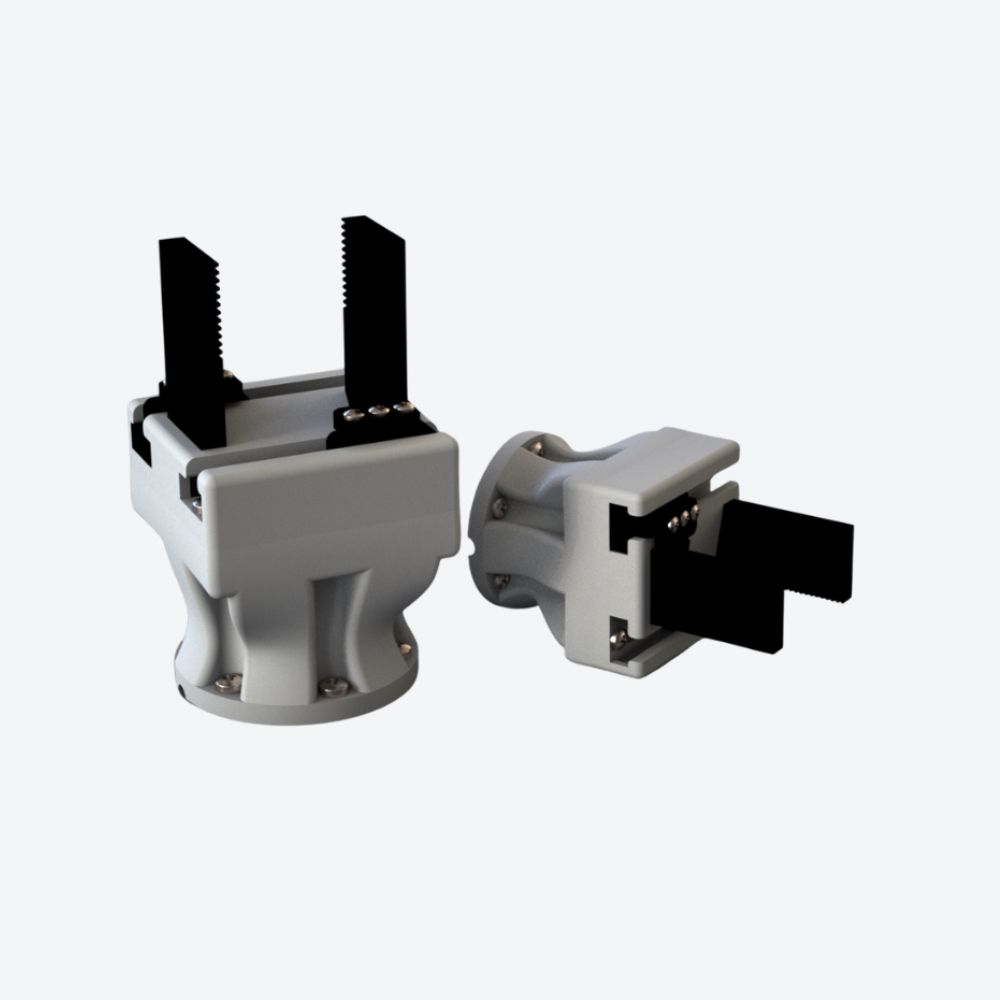
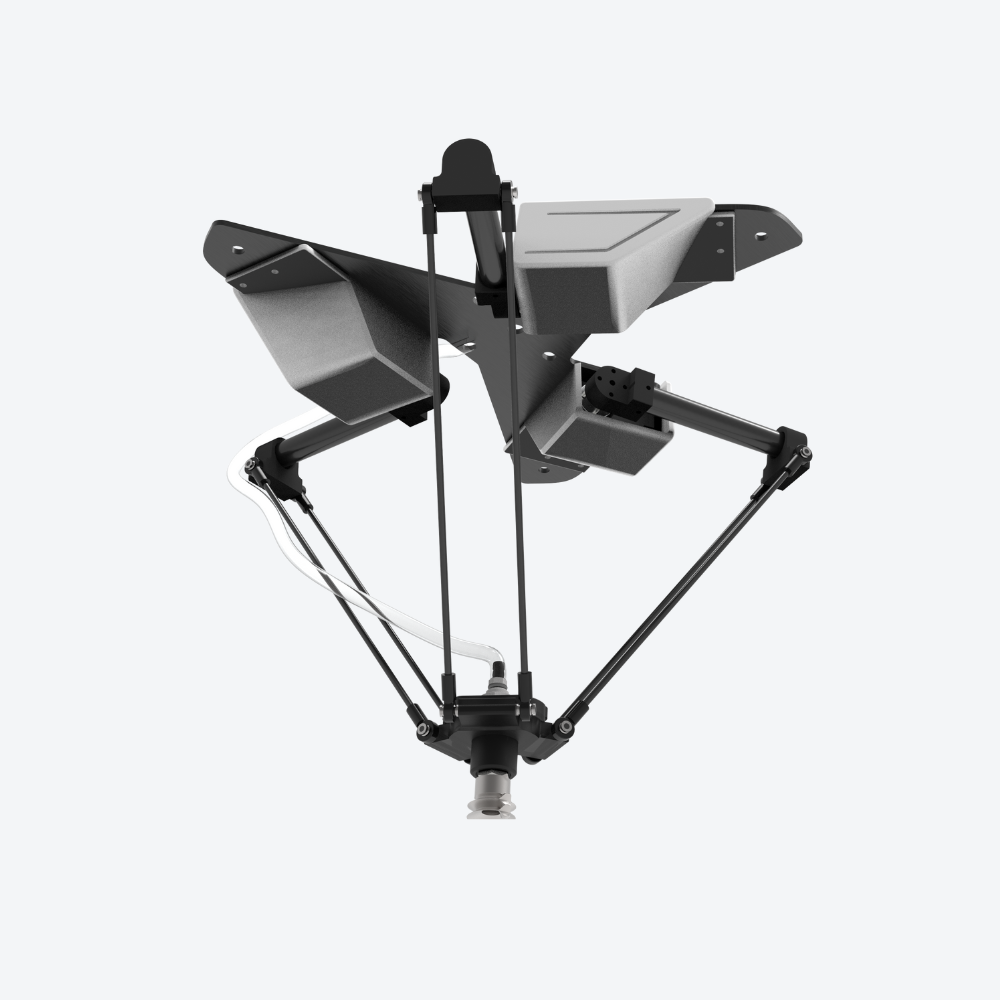
Work with parallel, vacuum or electromagnetic grippers as your application develops.
Purpose-built control
A Kikobot controller connects the C1 arm with your chosen ESP32, Raspberry Pi or Jetson platform.
Choose your compute platform
One C1 arm. Three ways to build.
Choose the kit that fits your programming experience and the applications you want to explore.
ESP32 Kit
For students and makers exploring robot control and embedded programming.
- Compute platform
- ESP32 dual-core
- Connectivity
- Wi-Fi + Bluetooth
- Development tools
- Arduino / C
Raspberry Pi 5 Kit
For developers building Python applications and ROS 2 workflows in a Linux environment.
- Compute platform
- Raspberry Pi 5
- Connectivity
- Ethernet + Wi-Fi
- Development tools
- Python / C++ / ROS 2
Jetson Orin Nano Kit
For researchers working on vision-guided robotics and edge AI applications.
- Compute platform
- NVIDIA Jetson Orin Nano
- Designed for
- Edge AI computing
- Development tools
- CUDA / Isaac ROS / OpenCV
Software and setup depend on the selected kit. Use the Version selector above for current pricing, and check the documentation for your platform.
Software ecosystem
Robot programming
with Python and ROS 2.
Start with guided control in C1 Studio, then explore code, simulation and computer vision. Select the compute kit that supports your workflow.
Plan your workspace
Small footprint.
Room to experiment.
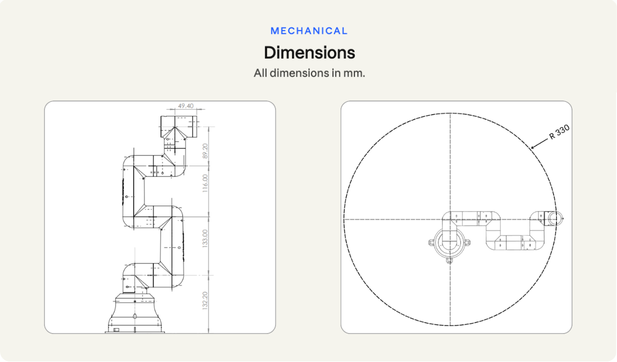
Use the C1 dimension drawing to plan your workbench, fixtures and robot placement. The arm has a 330 mm working radius and a maximum payload of 250 g.
For mounting and setup instructions, refer to the Kikobot documentation.
Before you choose
Kikobot C1 questions, answered.
Which C1 kit should I choose?
Choose ESP32 for embedded control and Arduino-based learning, Raspberry Pi 5 for Linux, Python and ROS 2 development, or Jetson Orin Nano for edge AI and computer-vision projects. If you are building a lab or have a specific application in mind, contact our team for help choosing.
What can I explore with the C1?
The C1 supports hands-on work in robot programming, kinematics, motion planning, pick-and-place tasks and vision-guided object handling. Choose the compute platform and end effector to suit your project.
Can I use different grippers?
The C1 supports modular end effectors for different tasks, including parallel, vacuum and electromagnetic grippers. See the Grip-E parallel electric gripper or contact us to confirm the tool and kit contents for your application.
Where do I find setup and programming guidance?
Visit the Kikobot documentation for getting started, C1 Studio and development guidance. For product questions, email support@kikobot.com.
Reviews
There are no reviews yet.